Make the marriage of your digital projector and laptop a happy one.
One Idea:
Use visual callbacks to refresh their memory.
Like this:
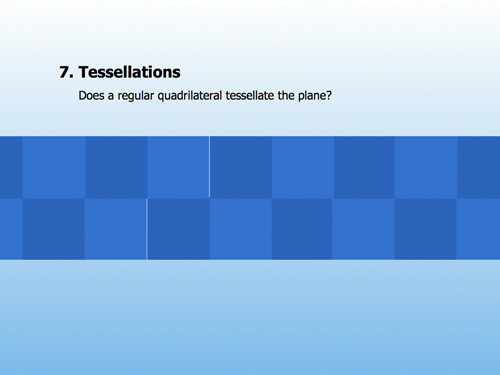
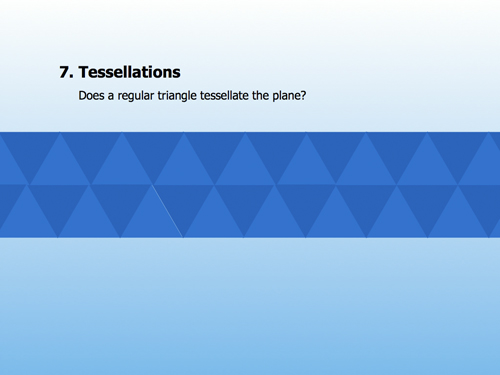
We’re talking about tessellations, how squares and equilateral triangles tile your bathroom floor without gaps.
I put up a square / equilateral triangle in Keynote and after they draw the tessellation on their paper, I hit a button and the same thing animates on the screen.
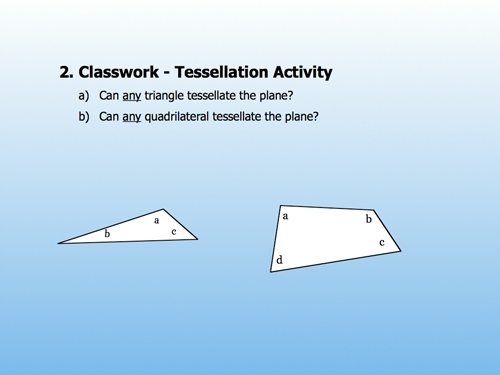
The next day I want to talk about the general case.
Without my digital projector, I’d say, “Okay, so you guys remember yesterday how we saw that an equilateral triangle tessellated the plane? Will your garden-variety, no-account scalene triangle do the same thing?”
No one would contradict my first assumption but only, like, 50% would really remember.
With a digital projector, though, I just copy & paste a slide from the previous day, strip off its animations, and there I have an effective visual callback to the last lesson.
Just like the “Previously on Lost … ” introductions, this technique functions even when pushed weeks into the past.
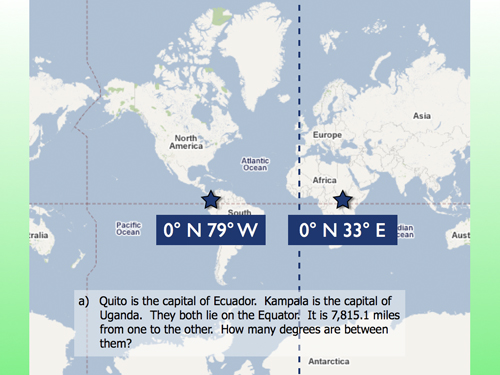
“Remember when we were looking at distance around the Earth last month?”
And they do.
Previous Editions: